
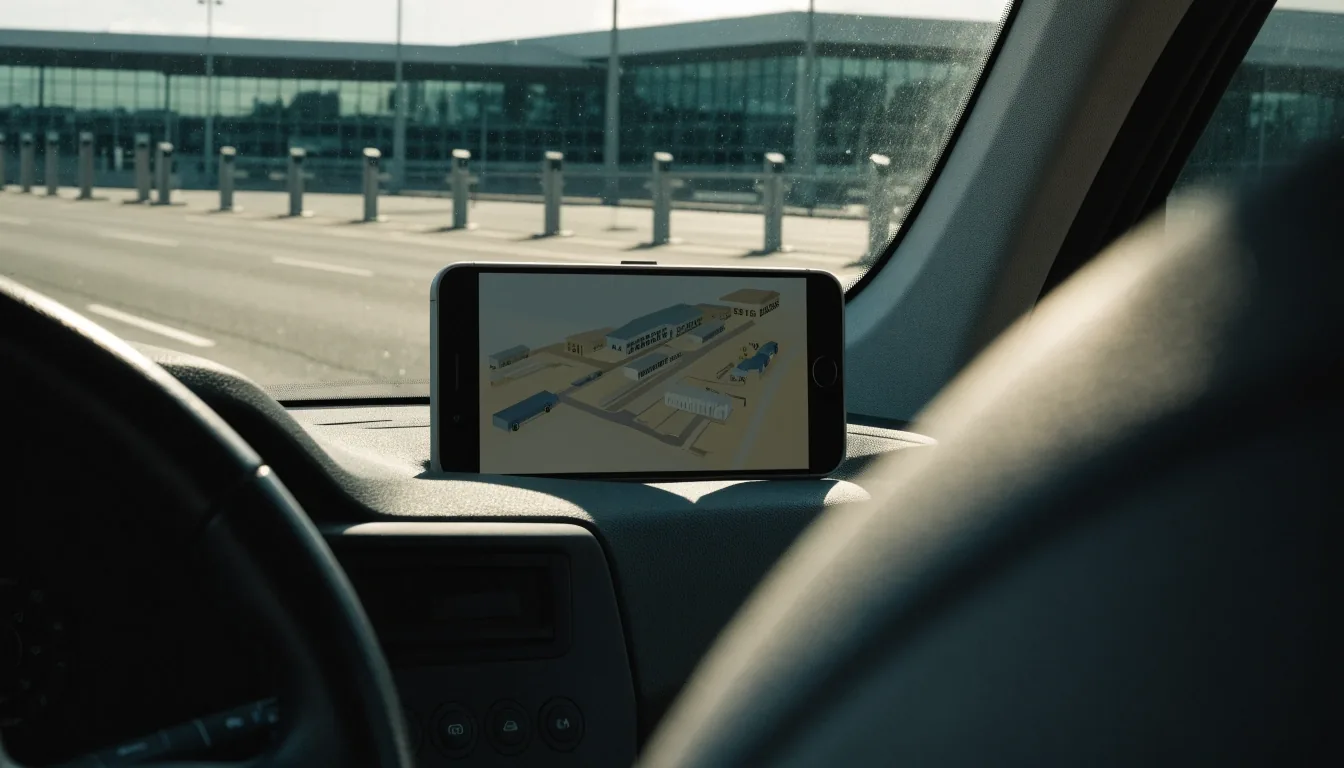
Prebook guide — airport parking Melbourne Airport
Book the right times, enter with one scan.
Know your bay before you leave home. Prebooking melburne airport parking is a short form with real consequences — terminal, entry time, exit time and date consistency decide whether the gate opens first time.
Start with the terminal
What the booking asks for
The flow asks for terminal, entry time and exit time, then shows available options in real time. It reads as the easiest way to choose airport parking for parking melbourne airport — but each field changes what the gate expects.
Select the terminal you fly from, not the one you return to if they differ. Enter times that include parking, walking or the bus transfer, not just flight times.
Booking ledger — four fields
- 01 · Terminal T1, T2, T3 or T4 you depart from. This sets the closest bays.
- 02 · Entry Day and time you drive in, with parking and transfer time added.
- 03 · Exit Day and time you drive out, with landing, bags and walk back added.
- 04 · Car Number plate as printed. The lane reader checks it against the QR.
Booking window
The 12-month and 2-hour limits
Book up to 12 months out — fix the dates early.
Parking can be booked up to 12 months in advance. The policy applies to online prebooked parking. School holidays, long weekends and overnight multi-week stays reward an early booking with the bay closest to your terminal.
Inside 2 hours — stop resubmitting, drive to the lane.
Bookings cannot be made less than 2 hours before arrival. If you are inside that window, do not keep resubmitting the same form. Proceed to the car park and use lane assistance — the team can place you on arrival.
Gate check
Date consistency that avoids gate issues
The system requires departure date and arrival date consistency. Overnight and multi-week stays often fail here when travellers mix up AM and PM or return dates.
- —Match entry date to the day you drive in, and exit date to the day you drive out.
- —Add a buffer each end for parking, walking and the shuttle, then check AM and PM twice.
- —Check the confirmation email immediately and fix errors well before travel.
QR code entry
One scan, steady hand
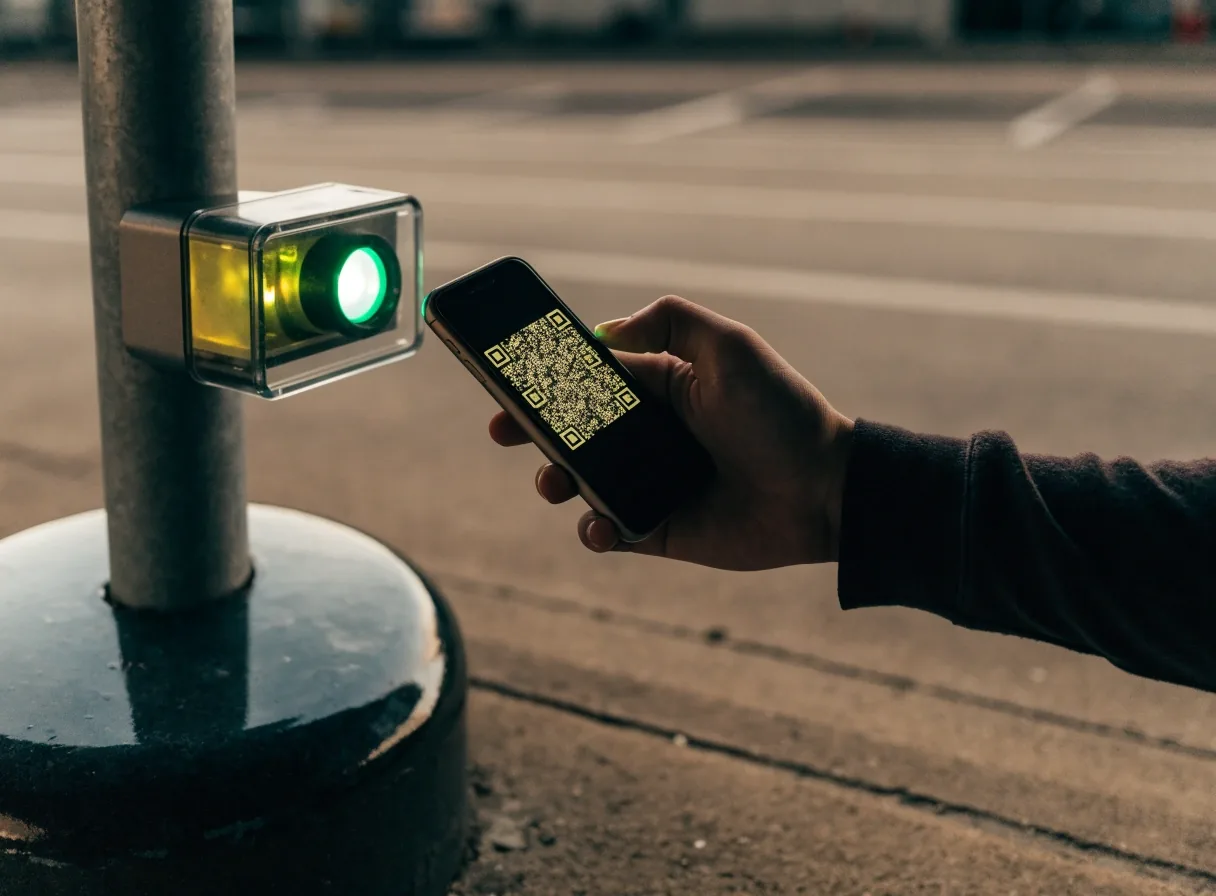
- 1. Open the QR code before the entry lane, brightness up.
- 2. Hold it steady under the scanner. Wait for the boom.
- 3. Take the ticket if issued, note your bay, keep the code for exit.
- 4. If scanning fails, press help and give booking reference and plate.
Keep the booking reference saved separately from the QR image, so a flat battery or lost photo still leaves you a way through.
Terminal parking guide T1 T2 T3 T4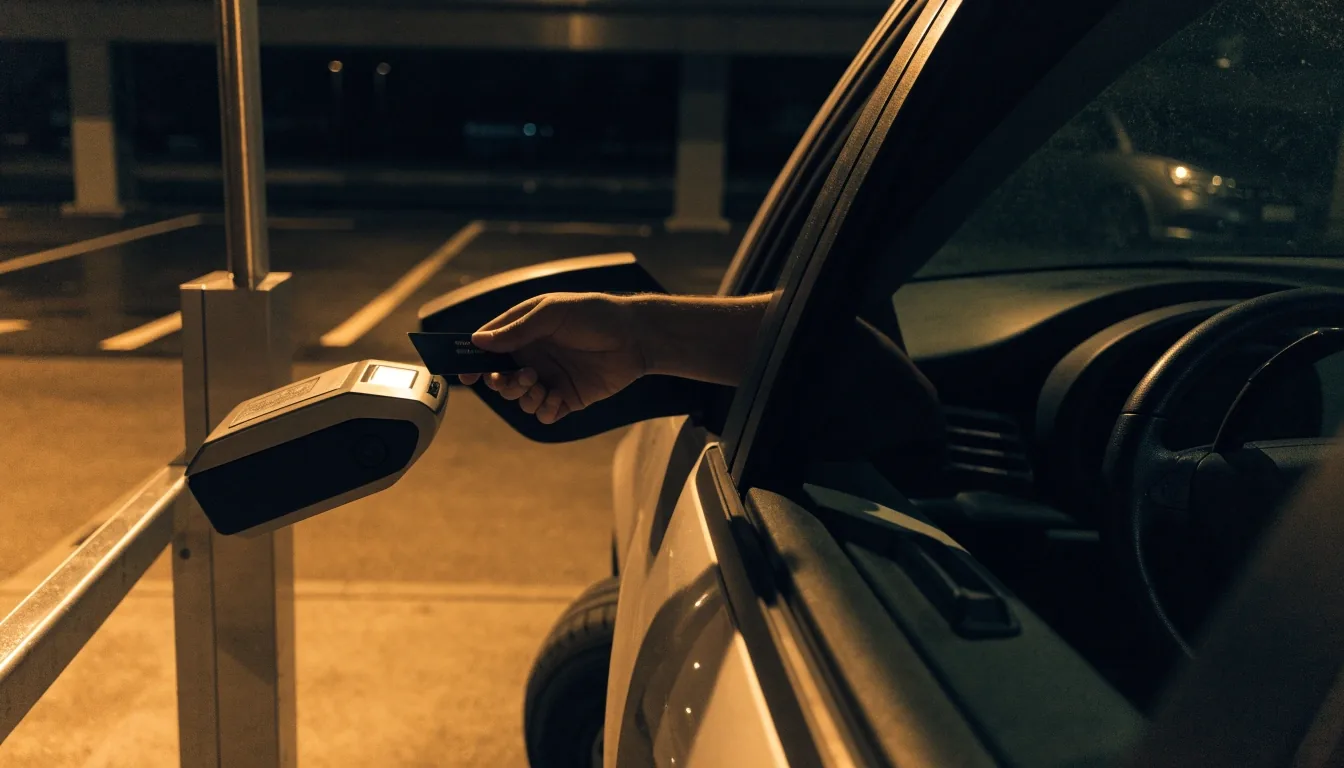
Payment
Cashless payment in practice
Online prebooked airport parking is handled as cashless parking. Charges linked to the booking are settled without a cash lane — no cash stop is part of the normal prebook flow.
At the gate
Keep the card used for booking in the car in case verification is needed.
After travel
Keep receipts until the card statement confirms the final amount.
Before you call
Changing plans and support
The airport maintains help content for parking questions covering which car park suits which terminal, shuttle details and online booking. Check that traveller parking support page before contacting the car park team.
Have terminal, dates and booking reference ready. Melbourne Airport Parking Prebook at melbourneairpartporking.com explains the same points so you can act faster.
1 Arrival Drive, Melbourne Airport VIC 3045 · Open 24 hours · +61 3 9094 4554